Most creator workflows break down because each production step lives in a separate tool. Writing happens in one place, visual planning in another, and localization somewhere else entirely.
That separation slows everything down.
A better approach is to treat content creation as one connected pipeline:
- write the idea
- shape the scenes
- localize the delivery
With SonicScriptElite, that workflow is built around three connected pages:
Stage 1: Write for Output, Not Just for Drafting
The writing stage is where most of the production speed is won or lost.
If the script is too loose, every later step becomes harder. The storyboard will be vague, the voice delivery will feel less controlled, and revisions will multiply.
That is why the writing step should produce something usable, not just inspirational.
With Script Writer AI, the goal is to shape:
- structure
- tone
- audience fit
- platform fit
- narrative clarity
A script that is already organized into clean beats saves time everywhere else.
Stage 2: Turn Narrative Into Visual Planning
Once the script is usable, move into Storyboard Generator.
This is where the content stops being abstract. You can test whether the idea actually works as a sequence of scenes instead of assuming it will.
That matters because some sections read well but do not visualize well. Storyboarding exposes those weak spots early.
Useful questions at this stage include:
- which moments deserve their own scene?
- where does the pacing slow down?
- which visual beats are repetitive?
- what should be locked and kept stable?
This turns the storyboard into a production tool, not just a gallery of AI images.
Stage 3: Localize the Final Delivery
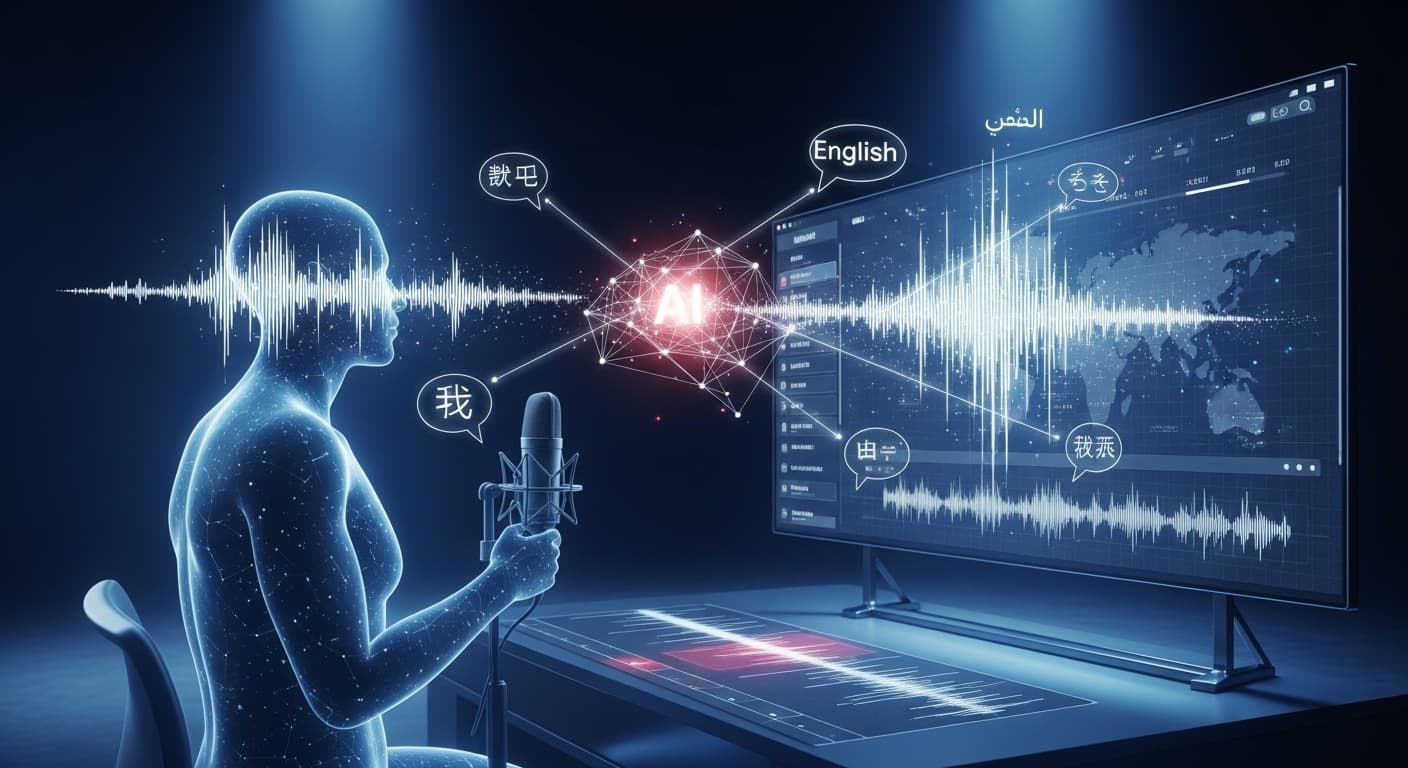
Once the visuals and structure are stable, you can push into AI Video Dubbing.
Localization works better after the story is already clear. If the script is still changing constantly, dubbing becomes rework.
At this stage, the value is scale. A finished video can be adapted for more audiences without rebuilding the core asset from zero.
That is especially useful for:
- educational content
- product walkthroughs
- channel growth
- multilingual marketing
- social video campaigns
Why This Workflow Is Faster
The main advantage is continuity.
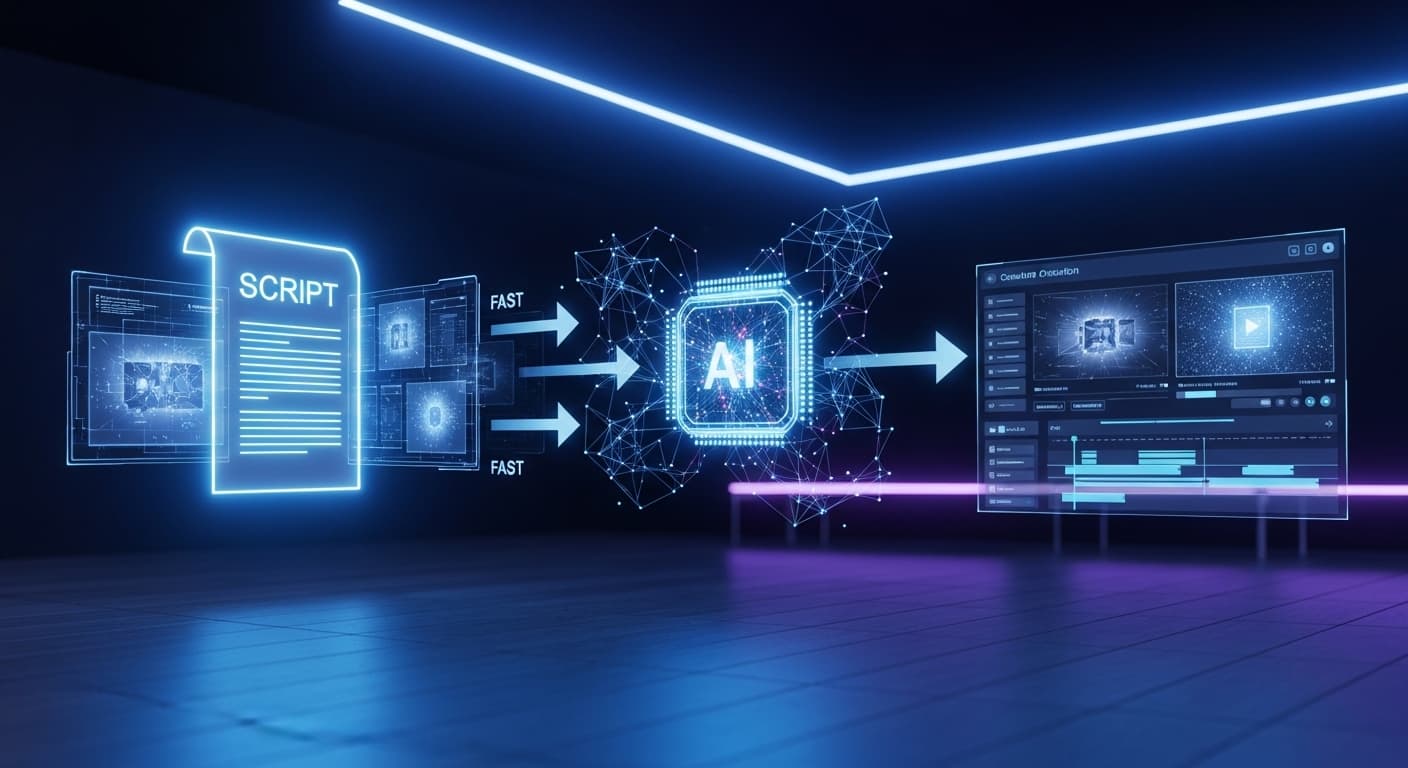
Instead of jumping between unrelated tools, the output of one stage becomes the input of the next stage:
- the script informs the storyboard
- the storyboard clarifies the video structure
- the finished structure makes dubbing more reliable
That reduces wasted motion.
Where Creators Usually Lose Time
The most common slowdowns look like this:
- rewriting scripts after visuals are already generated
- trying to storyboard paragraphs that were never written visually
- localizing a video before the source narration is stable
- rebuilding creative intent at every stage
A connected workflow avoids that.
A Practical Example
Imagine a creator making a short educational video.
A strong sequence might be:
- draft the script in Script Writer AI
- separate it into visual beats
- generate scenes in Storyboard Generator
- tighten weak sections based on the visual flow
- export the final video
- localize the voice with AI Video Dubbing
That is much cleaner than recording first and solving everything afterward.
What This Means for SEO and Content Scale
There is also a search advantage.
When your workflow supports script creation, visual planning, and localization, you can produce more content variants from the same core idea:
- one long-form video
- multiple short clips
- localized versions
- supporting social captions
- companion articles
That increases output without multiplying effort linearly.
Final Takeaway
The fastest creator workflow is not about replacing creative decisions. It is about reducing the friction between them.
If writing, visualization, and dubbing are treated as one system, production gets faster and more repeatable.
Start with Script Writer AI, move into Storyboard Generator, and finish with AI Video Dubbing when the project is ready for multilingual delivery.